
Introduction
A sonographer's résumé says "RDCS, RVT." But does that match what's actually on file with the credentialing body? ARDMS credential verification answers that question: it confirms whether a reported certification is authentic, current, and tied to the specialty being claimed.
Many hiring managers and admissions teams struggle with a simpler problem first: ARDMS certification, SPI exam completion, specialty exam results, state licensure, and employer-issued credentialing badges are five different records. Treating them as interchangeable is where verification mistakes start.
This guide walks through what to collect before you search, the official methods available, how to read the results you get back, and the documentation habits that keep your process audit-ready. We'll also flag the privacy guardrails that matter whenever you're handling someone's identity and credential history.
Key Takeaways
- Check current ARDMS/Inteleos resources directly instead of relying on a certificate image or résumé line
- Match identity, credential designation, specialty, and status before approving any role or enrollment decision
- Treat SPI completion as an exam result, not proof of holding RDMS, RDCS, RVT, or RMSKS
- Log the source, date, reviewer, and result so the decision can be reproduced later
What You Need to Check for an ARDMS Credential
Reliable verification isn't a single click. It depends on gathering the right identifiers first and running a controlled, repeatable process, not a quick search when you happen to remember.
Required Information and Documents
Before searching, collect:
- Legal name, plus any former or alternate name (maiden name, transliteration variant)
- Reported credential number, if the applicant has provided one
- Credential designation and specialty claimed, such as RDCS with Adult Echocardiography
- Consent or authorization, where your institution's policy requires it
Supporting documents such as a credential card, renewal confirmation, or state license are useful corroborating evidence. They shouldn't replace an official status check on their own.
For every search you run, record the verification date, the source used, who reviewed it, and the exact credential wording returned. That last detail matters most: "RDMS" is not the same record as "RDMS, OB/GYN," and a reviewer six months from now needs to see which one was actually confirmed.
Preconditions and Setup
A few checks before you start searching will save you from relying on stale data:
- Confirm you're on the current source. Use the live ARDMS/Inteleos portal, not a bookmarked page, cached search result, or third-party directory.
- Define the verification purpose up front — hiring, clinical privileges, school admission, transfer credit, or internal compliance. The purpose affects what counts as an acceptable result.
- Limit data access. Only the reviewer handling the case should see identity documents, and all storage should go through approved systems, not personal drives or email threads.
- Build an escalation path for name mismatches, missing records, or unclear status before you need one.

Methods to Check an ARDMS Credential
No single method covers every situation. An official status search is your primary check; document review and a structured workflow handle the exceptions and preserve your evidence trail.
Official ARDMS/Inteleos Status Search
ARDMS operates as a certification community governed by Inteleos's verification page, which hosts the Member Directory and its embedded Status verification directory tool. This is where you confirm a credential holder's name, designation, specialty, and current status directly from the source.
What you'll need:
- The current official portal (not a saved link from last year)
- The applicant's exact legal name and credential number, if available
- A secure place to log the result
Steps:
- Navigate directly to the official directory and confirm the page belongs to Inteleos before entering any data.
- Search using the most precise identifier available. Compare the returned name and credential details against the applicant's records, and check every specialty claimed separately — the tool filters by credential type, so a search for RDMS won't surface an RVT record.
- Save the confirmation details, the date you ran the search, and your notes, without retaining more personal information than necessary.

The directory's initial view can return "No results found, try refining your search above." That's a search outcome, not automatic proof of fraud. Access limitations, portal changes, or incomplete public details may also require requesting a formal verification letter through the applicant's own Inteleos account for complex cases.
Applicant-Provided Document and Identity Cross-Check
Documents help you catch discrepancies the directory alone might miss, like an outdated certificate or a name that doesn't match current records.
Steps:
- Compare full name, former name, credential designation, specialty, credential number, and any expiration or renewal details across every document the applicant submitted.
- Check whether the document actually confirms an active credential or only confirms exam completion, eligibility, or a past credential status.
- Route inconsistencies back to the applicant or the issuing organization through an approved channel. A professional-looking logo doesn't substitute for a status match.
Here's a detail that surprises a lot of reviewers: Inteleos's ID card page confirms that a current ID card does validate Active status — these aren't automatically worthless just because they're applicant-provided. The caveat is timing. A card issued at the point of certification won't reflect a status change that happened since. A contemporaneous directory check is still the safeguard. Digital badges carry a similar nuance: they can represent credentials, certifications, or even a completed physics exam, so the badge's named achievement needs inspection, not just its existence.
Institution-Led Verification Workflow
For admissions, hiring, or privileging teams handling repeat volume, ad hoc searching doesn't scale. A standardized workflow combines the official check, document review, reviewer sign-off, and renewal monitoring into one process.
Steps:
- Define which credentials and specialties the role actually requires, and note whether state licensure applies on top of ARDMS status.
- Assign a reviewer to run the official check, compare supporting documents, classify the result, and record the evidence trail.
- Set a follow-up date for re-verification and route unresolved cases to compliance, HR, or the registrar.
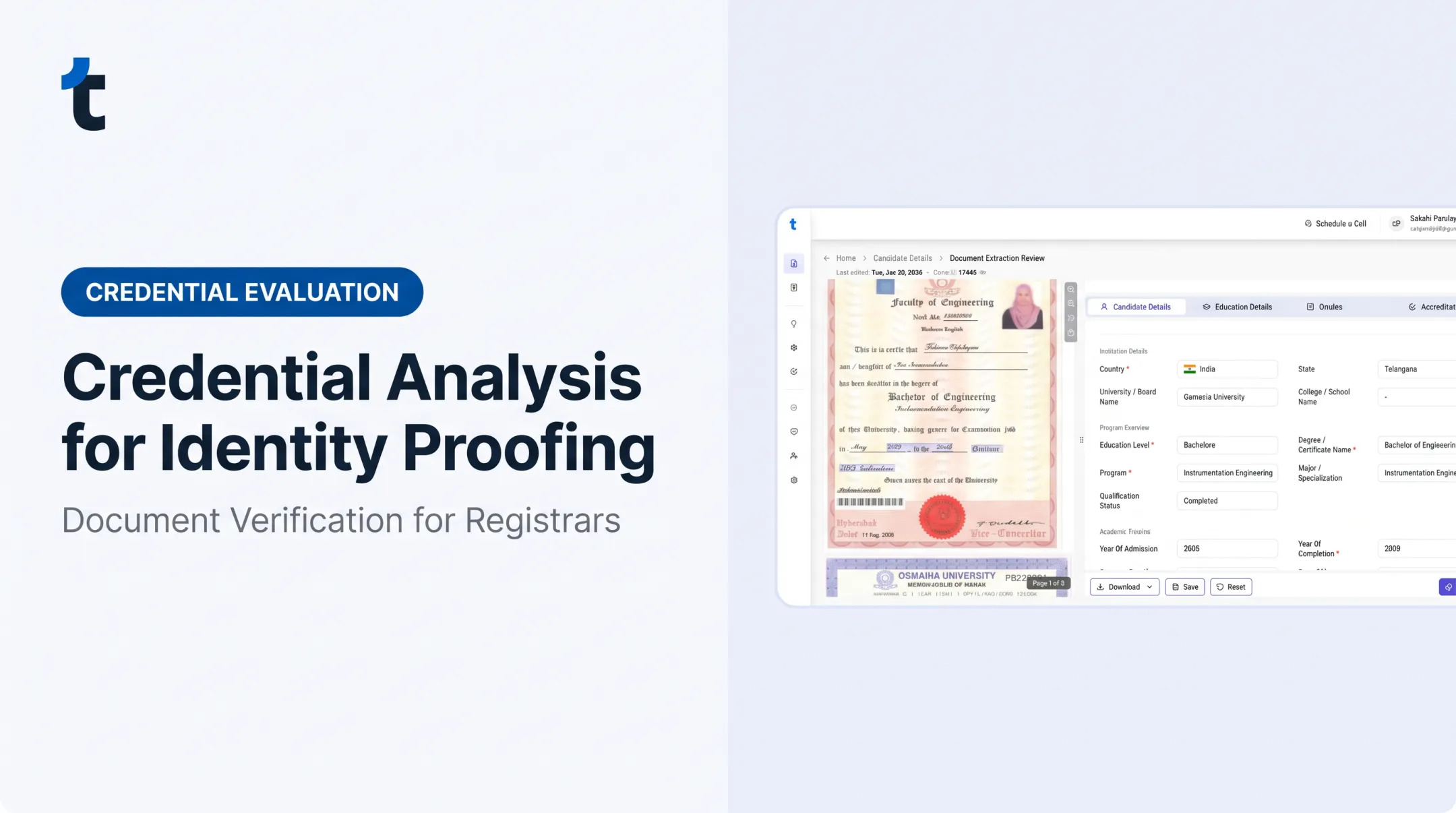
This is where institutions processing high transcript and credential volumes often add a workflow layer. TruEnroll, for example, audits submitted documents for tampering, inconsistencies, and issuing-institution recognition, flagging anomalies for human review rather than auto-approving them. It also source-links every extracted field back to its exact position on the original document, which helps reviewers see what was claimed versus what was verified. Be clear about the boundary: it supports document intake and fraud flagging. It is not an ARDMS verification source and does not replace the authoritative status check above.
How to Interpret the ARDMS Verification Results
The status returned, the date you checked, the credential type, and whether identity matches all determine what action makes sense. A document or a partial name match shouldn't be judged on its own.
Active/Current and Matching
A clean result shows a clear identity match with the required credential or specialty in current status, backed by documentation consistent with the official record. When you get this:
- Record the source and date checked
- Approve only the specific credential and specialty actually verified (not every credential listed on the résumé)
- Set a reminder for your organization's next required recheck
Partial Match, Name Change, or Incomplete Record
Maiden names, married names, initials, transliteration differences, or a mistyped credential number can all produce a partial match. Don't treat this as disqualifying on the spot.
- Request name-change or identity documentation
- Rerun the search using permitted name variants
- Escalate the case rather than labeling someone unqualified over a spelling variation
Expired, Inactive, Revoked, or Unverifiable
Inteleos's own public terminology uses active, retired, and no longer registered rather than a longer list of status labels.
"Retired" means someone has stepped back from practicing while keeping their Inteleos association. "No longer registered" means a previously certified person hasn't met continuing-competency or renewal requirements. Revocation is a distinct compliance outcome: the person loses Active status and may no longer represent or display the credential.
None of these automatically mean current authorization to use the credential exists. Distinguish between these outcomes; each needs a different follow-up, and none should be automatically labeled fraud:
- Not found
- Not active
- Pending
- Not eligible for this role
When status is unclear, check the current Inteleos guidance directly for reinstatement, written verification requests, or dispute handling rather than guessing.
SPI-Only or Specialty Mismatch
This is one of the most common verification errors: passing SPI alone doesn't prove someone holds an RDMS, RDCS, RVT, or RMSKS credential. SPI is the foundational physics exam; the specialty exam is a separate requirement.
A person can hold one active credential, say RVT, while lacking the RDCS they also listed. Verify each credential and each specialty separately. Don't let one confirmed result vouch for the rest of the résumé.

Common Errors and Safety Best Practices for ARDMS Verification
Most verification failures come down to a handful of repeat mistakes. These produce false approvals, unnecessary rejections, privacy exposure, or weak audit trails.
Mistakes to watch for:
- Approving based on a certificate, résumé, or screenshot without an independent current-status check
- Using "registered" as a generic label instead of recording the exact designation (ARDMS, Inteleos, SPI, RDMS, RDCS, RVT, RMSKS, CCI, ARRT, and state licensure are not interchangeable terms)
- Searching only one specialty and assuming it validates every credential claimed
- Overlooking legal name changes, transliteration differences, or a mistyped credential number
- Storing identity documents in personal email, unapproved drives, or AI tools without encryption or access controls
- Contacting a previous employer or school through an unverified channel, or sharing more personal data than the task requires
Best practice: require a second reviewer for adverse findings, suspected document tampering, or unresolved no-match results — especially for decisions tied to admission, employment, or clinical access. Automated fraud flags and extraction tools should support a human decision-maker, not replace one, particularly when the official source is down or the record is ambiguous.
Conclusion
Dependable ARDMS credential verification requires several coordinated steps: an official current-status check, identity and specialty matching, careful reading of the result, secure recordkeeping, and documented follow-up.
SPI completion, an old certificate, state licensure, and an active ARDMS credential are separate facts. Evaluate each one on its own rather than assuming one confirms the others. Institutions that standardize this process, recheck credentials on a set schedule, and escalate uncertain results to the right authority see fewer bad hires and fewer compliance headaches.
Frequently Asked Questions
How do I get ARDMS credentials?
Applicants generally need to complete an applicable ARDMS prerequisite pathway, pass the SPI exam, and pass the relevant specialty examination. Eligibility rules change, so confirm current requirements directly with ARDMS/Inteleos before relying on an older summary.
Am I ARDMS-certified if I passed the SPI?
No. SPI is an examination result, not a standalone credential. You also need to complete a qualifying specialty exam before you can hold RDMS, RDCS, RVT, or RMSKS.
How do I know my ARDMS number?
Check your current Inteleos account, official correspondence, or credential records rather than an unofficial database. If you can't locate it, Inteleos's support channel can confirm your number directly.
Does an ARDMS certification expire?
Credentials stay active only with current renewal, continuing education, and knowledge-confirmation requirements. Inteleos's MOC FAQ notes CME is shifting to 25 credits for periods ending on or after December 31, 2026. Confirm your deadlines in the official portal.