
Many students struggle with exactly this. About half of students entering college enroll part time, and according to Complete College America, 69% of entering students work for pay, with 62% saying that work determines how they can enroll.
A degree plan isn't just a checklist to cross off. Its real value shows up when a student can see what's done, what's left, and what to do next. This article covers how degree planning tools improve visibility, decision-making, and advisor conversations, and where they still depend on human judgment.
Key Takeaways
- Degree planning tools turn catalog requirements into a clear semester-by-semester path students can follow.
- Early alerts flag prerequisites, scheduling conflicts, and completed versus outstanding requirements in time to act.
- "What-if" scenarios let students test a major or minor change before making it official.
- Tool accuracy depends on clean catalogs, correctly articulated transfer credits, and regular advisor review.
What Are Degree Planning Tools (Brief Context)
What Are Degree Planning Tools
Degree planning tools are digital systems that compare a student's academic record against program requirements, then map out what's left to finish. Think of them as the bridge between "here's what the catalog demands" and "here's what this student still needs to finish."
Common functions include:
- Degree audits: a snapshot comparing completed coursework to requirements
- Requirement checklists: itemized lists by category (general education, major, minor)
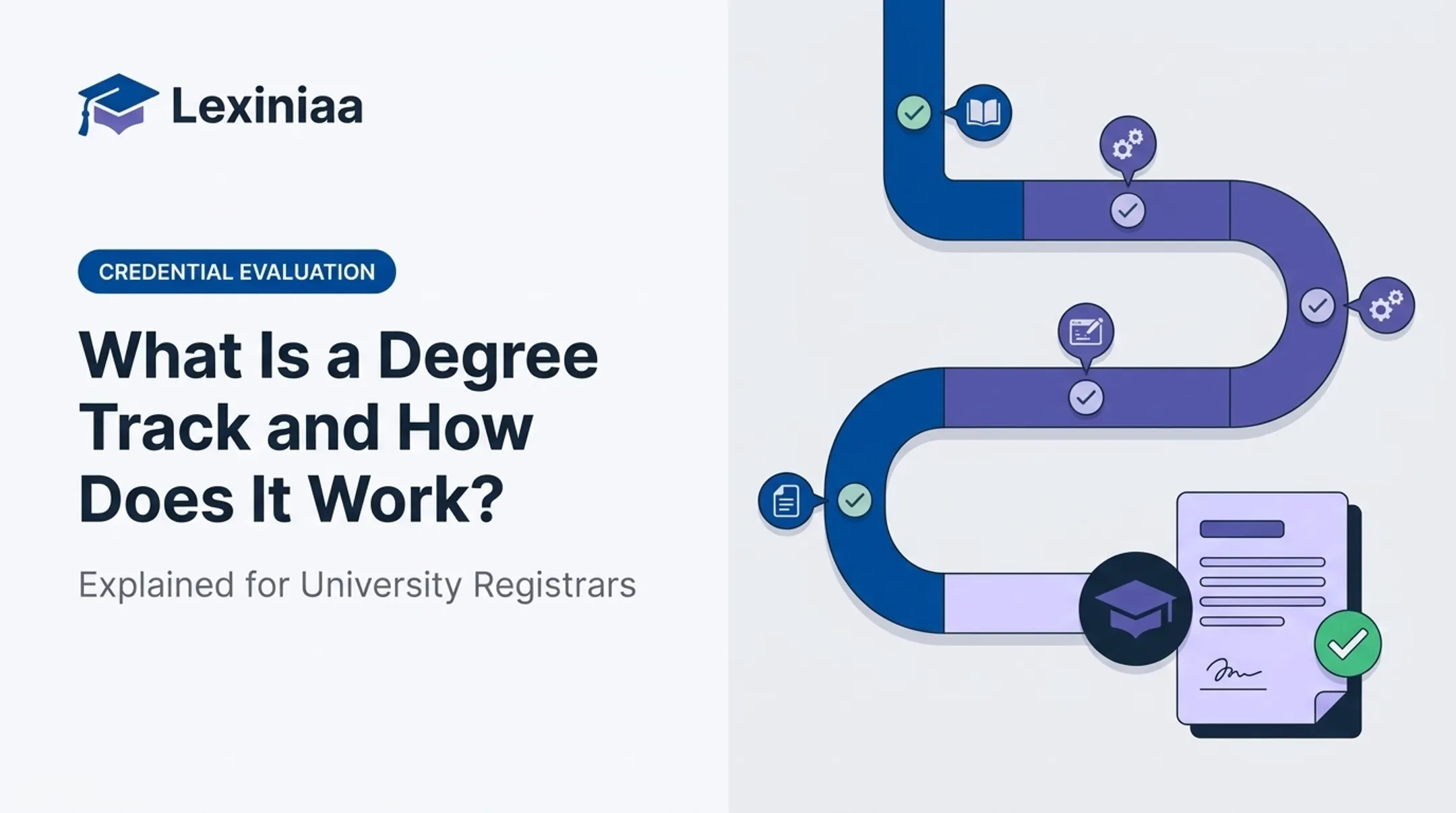
- Roadmaps: a visual, semester-by-semester path to graduation
- Semester planners: tools that slot future courses into upcoming terms
- What-if scenarios: hypothetical audits testing an alternate major or minor
Colleges typically deliver these through student portals, advising platforms, or registration systems tied to the student information system (SIS). Purdue, Syracuse, and the University of North Carolina, for example, offer these tools through their registrar's offices.
These tools are decision-support resources, not automatic graduation guarantees. Students still need to confirm choices with an advisor and follow whatever rules currently govern their catalog year.
Key Advantages of Degree Planning Tools
The benefits are operational: clearer decisions, fewer avoidable delays, and better use of the limited time students get with an advisor. Below are three areas where the impact is most visible.
Improved Visibility Into Degree Requirements and Progress
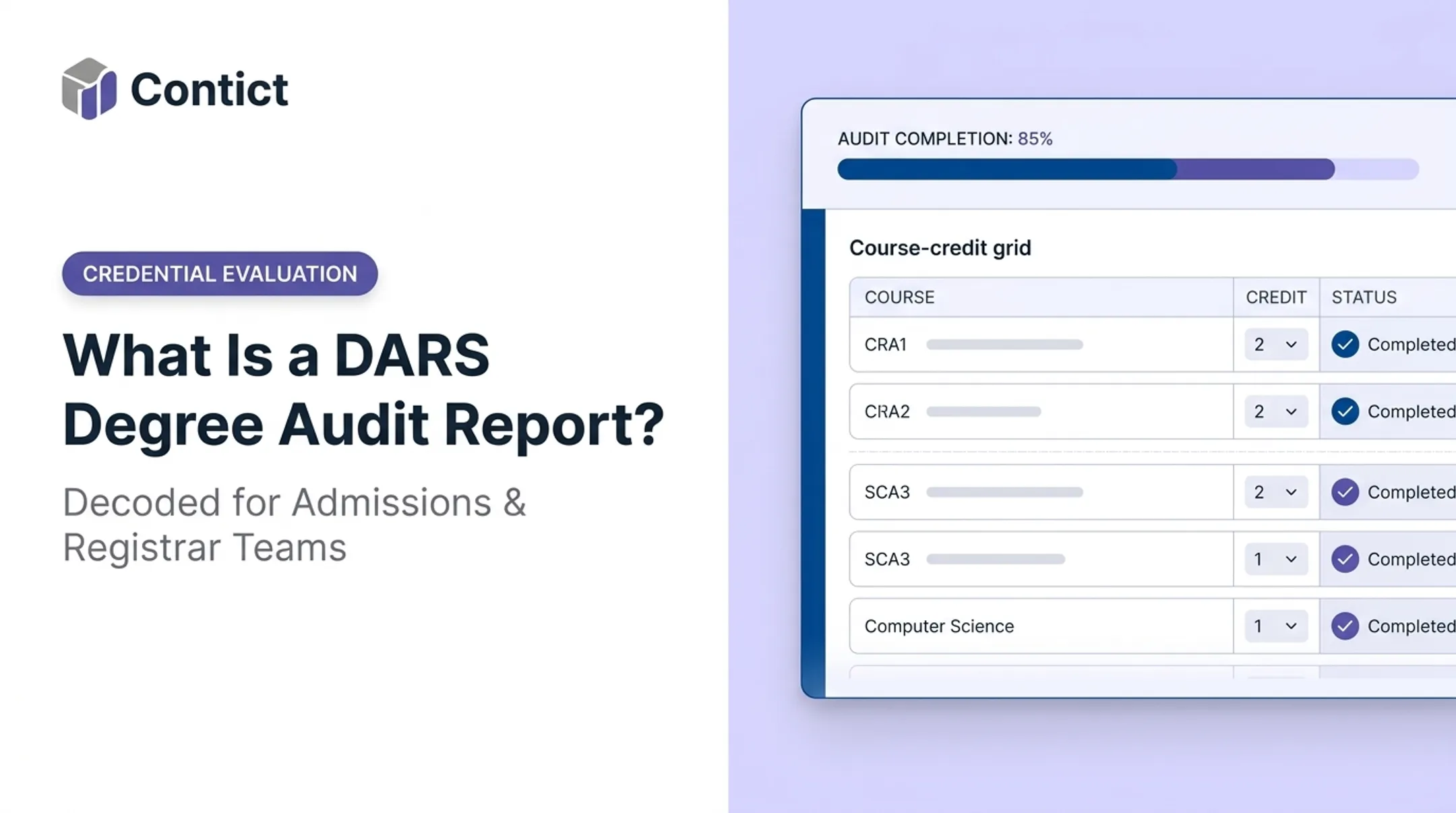
A degree audit or progress dashboard groups requirements into buckets: completed, in-progress, planned, and outstanding. General education sits in one column, major requirements in another, electives and minors elsewhere. That structure alone replaces a lot of guesswork.
Visual progress indicators (a filled bar, a checkmark, a red flag next to an unmet prerequisite) turn "something is still outstanding in the humanities category" into "one 3-credit humanities course remains, and here are four that qualify."
Students notice the difference. In EDUCAUSE's 2020 Student Success Almanac, 80% of students rated degree-audit tools very or extremely useful, and 77% said the same about degree-planning tools. That is a perception measure, not a completion statistic, yet it shows how much friction these tools remove from everyday planning.
This visibility connects to practical, trackable indicators:
- Number of unresolved requirements per student
- Advising contacts needed per term
- Registration readiness (can the student register without holds?)
- Excess credits accumulated
- On-time progression toward the catalog's expected pace
When a student can see all of this at once, "I'll figure it out later" turns into a specific, schedulable task.
Better Semester-by-Semester Decisions
Visibility answers where a student stands. A term planner answers what comes next, and when. It places future courses into upcoming terms while factoring in prerequisites, sequencing, expected availability, and credit-load limits.
This matters because course availability isn't guaranteed. A required upper-level course offered only in fall term becomes a serious problem if a student doesn't plan for it two years out. Planning tools that model prerequisite chains can catch these bottlenecks before registration, not after a student gets locked out of a class.

Consider a student working 25 hours a week who can't take a standard 15-credit course load. A semester planner lets them test a lighter schedule and see how it shifts their prerequisite sequence. They can spot which courses can wait without pushing graduation back further than necessary. That changes the conversation from a last-minute scramble during finals week to a plan built in advance.
One caution: course availability and prerequisite enforcement change from term to term and catalog to catalog. Any plan should be checked against current institutional policy, not assumed to be permanently accurate.
More Informed Changes to Majors, Minors, and Career Paths
"What-if" audits let a student see how their existing coursework would apply to a different major, minor, or concentration, without touching their official record. It's a low-risk way to ask "what would this actually look like?"
A student considering a shift from psychology to data science can compare required coursework side by side and see which additional courses, skills, or experiences the new path demands.
A good what-if scenario shows trade-offs honestly, including:
- Courses that would no longer count toward the new program
- Additional requirements the student hasn't started
- Possible effects on time-to-degree and total cost
None of this should happen in isolation. Before a student formally changes a program, an advisor review matters, especially where requirements hinge on catalog year, accreditation, or licensure rules that a what-if tool can't fully account for on its own.
What Happens When Degree Planning Tools Are Missing or Ignored
Without a central planning view, students fall back on spreadsheets, memory, and whatever advising notes they can find. That patchwork approach tends to produce predictable problems:
- Missed prerequisites discovered too late to register
- Completed courses that don't count toward the intended requirement
- Excess credits from misapplied electives or major changes
- Avoidable scheduling conflicts
- Delayed graduation and last-minute registration scrambles
The excess-credit problem is well documented. A 2022 Utah System of Higher Education analysis found that associate and bachelor's degree recipients averaged 32.21% more credits than their programs required, with major changes strongly associated with the overage. That's tuition, financial aid, and time spent on coursework that didn't need to happen.

Planning still breaks down when the tool is ignored—or fed bad data. If transfer credits are misclassified or a requirement is tied to the wrong catalog year, the audit will confidently show the wrong picture.
Institutions feel the fallout too:
- Repetitive advisor inquiries
- Reactive exception handling
- Weaker visibility into which students need outreach before they fall behind
A degree audit is only as trustworthy as its inputs. Students and advisors alike should check the audit date, the catalog year it's pulling from, and whether transfer credits were placed correctly before treating it as gospel.
How to Get the Most Value from Degree Planning Tools
Getting real value out of these tools isn't a one-time setup. It's a cycle:
- Review the audit to confirm completed, in-progress, and outstanding requirements
- Build or update the semester plan based on what's left
- Discuss uncertainties with an advisor, especially exceptions, substitutions, and policy questions
- Register with a plan that's been checked, not guessed at
- Revisit the plan once grades post or a program changes

Students get more out of advising appointments when they show up with the audit already reviewed and specific questions ready (about sequencing, transfer credits, or a potential program switch) rather than starting from scratch in the meeting.
On the institutional side, clear labeling matters. Requirements marked as completed, registered, planned, or unfulfilled, paired with plain explanations of any exceptions, cut down on confusion before it turns into an advising backlog.
None of this works, though, if the underlying academic data is shaky. A degree audit that's pulling from an incomplete transcript record or a poorly articulated transfer credit will mislead students no matter how clean the interface looks.
This is where the plumbing behind the plan matters as much as the plan itself. TruEnroll isn't a student-facing degree planner, but it supports the data layer that planning tools depend on.
Capabilities that keep audit data reliable include:
- Automated transcript extraction and quarter-to-semester credit conversion
- Grade normalization across 150+ international systems
- Consistent enforcement of registrar policies such as course-repeat rules and non-transferable elective exclusions
Verified GPAs, course equivalencies, and articulated credits then route directly into systems like Slate, Banner, and Salesforce, with field-level source traceability for every calculation.
Whether a degree planning tool is actually delivering value shows up in a few measurable places:
- Plan usage rates among enrolled students
- Unresolved requirement rates over time
- Registration changes and course-availability conflicts
- Advisor workload tied to routine planning questions
- Excess credits at graduation
- On-time progression and completion trends
Judge those signals against your own institutional baselines or published higher-ed research—not informal guesses about what “should” happen.
Conclusion
Degree planning tools help students stay on track by making requirements, progress, and upcoming choices visible instead of buried in memory or scattered documents. When those pieces are easy to see, students and advisors can act before a missed prerequisite or overloaded term becomes a delay.
Their value comes from what students and advisors actually do with the information, not from treating a digital plan as infallible. A tool pulling from outdated transfer credit or an old catalog year can be just as misleading as no plan at all.
Degree planning works best as an ongoing practice: accurate academic data, regular updates, and real collaboration among students, advisors, registrars, and the SIS and transfer-credit systems that keep the plan current.
Frequently Asked Questions
What is degree planning?
Degree planning maps program requirements, coursework, and milestones along a student's path to completion. The point is a workable course sequence that leads to graduation efficiently, not just a class list for the next term.
How is a degree plan constructed?
Start with the program's requirements, completed and transfer coursework, and any prerequisites still outstanding. Factor in future course availability and a realistic term credit load, then confirm the plan with an advisor.
How do advisors match a student to the right degree program?
Assess the student's interests and career goals, then compare program requirements and outcomes across a few options. A what-if audit, plus an advising conversation, narrows the choice before a commitment is made.
How do degree planning tools help students graduate on time?
They reveal remaining requirements, sequence prerequisites correctly, and flag scheduling risks like courses offered only once a year. That said, no tool guarantees a graduation date on its own.
Can a degree planning tool show which courses I still need?
Yes. Most degree audits compare completed, in-progress, planned, and outstanding coursework against program requirements. Accuracy depends on correct academic records and current institutional rules.
Do degree planning tools replace academic advisors?
No. They support advisors rather than replace them. Advisors are still essential for interpreting exceptions, transfer credit decisions, policy changes, and unusual academic circumstances.